How Do I Set Up Online Banking at SEB or Luminor in Lithuania?
Stepping into the financial landscape of a new country like Lithuania can feel like navigating a complex maze, especially when it comes to setting up your daily banking. While opening a bank account is one hurdle, getting comfortable with online banking is another entirely, often involving new authentication methods and unfamiliar interfaces. This comprehensive guide will meticulously walk you through the process of setting up and utilizing online banking with two of Lithuania's most prominent banks, SEB and Luminor, ensuring your financial life here becomes much more manageable.
The Foundation: Why Online Banking is Essential and What You Need Before You Start
Trust me, as an expat who’s lived through the initial bureaucratic tangles in Lithuania, I can tell you that online banking isn't just a convenience here – it's practically a necessity. From paying your utility bills (those pesky komunaliniai mokesčiai) to managing your rent, transferring money, or even just checking your balance, almost everything financial happens online. The days of popping into a branch for every single transaction are long gone, and honestly, trying to communicate complex financial instructions in a language you're still learning can be incredibly daunting in person.
Before you even think about logging into an online portal, there are a few foundational elements you absolutely must have in place. Skipping any of these will only lead to frustration and delays, so let's get them sorted right at the start.
Securing Your Asmens Kodas and Bank Account
First and foremost, you need your Asmens Kodas, or personal code. This unique eleven-digit number is your golden ticket to almost everything official in Lithuania, and definitely to proper banking services. Without it, you’ll find yourself hitting brick walls. You typically get your How to Get Your Asmens Kodas (Personal Code) and Why It Matters for Healthcare as part of your residence permit application process, or if you're an EU citizen, by registering your right of residence. Don't underestimate its importance; it’s the key to proving who you are to the financial system.
Once your Asmens Kodas is in hand, the next critical step is to actually open a bank account. While you might be tempted to rely solely on fintech solutions like Wise or Revolut, having a local Lithuanian bank account with a physical bank like SEB or Luminor is often required for things like receiving your salary, paying specific local bills, or securing loans later on. The process of How to Open a Bank Account at a Lithuanian Bank as a Foreigner can take a bit of time, requiring your passport, residence permit, and proof of address. Be prepared for a visit to a branch, as initial account setup usually requires an in-person verification. Once your account is active, you'll be given the initial information needed to register for online banking.
Understanding Smart-ID and Other Authentication Methods
Now, this is where things often get a bit unique for newcomers. In Lithuania, and across the Baltics, a digital identity solution called Smart-ID is the most prevalent and secure way to authenticate yourself for online banking, signing documents, and accessing various e-government services. It’s essentially your digital signature and password rolled into one, allowing you to confirm transactions and log in from your smartphone.
There are two main levels of Smart-ID:
- Smart-ID Basic: You can register for this entirely online. It's great for some services, but for full banking functionalities, you'll likely need the higher assurance level.
- Smart-ID Full: This version requires identity verification, usually done at a bank branch with your passport and residence permit, or via another qualified electronic signature (like a mobile signature). This is the one you’ll want for seamless online banking.
Alternatively, some banks might still offer a code card or a separate code calculator for authentication, but these are slowly being phased out in favour of more secure and convenient options like Smart-ID or mobile signatures. When you visit the bank to open your account, make sure to ask them to help you set up Smart-ID or explain the authentication method they use. This is a non-negotiable step for truly engaging with online banking in Lithuania.
Mastering SEB Online Banking: Your Step-by-Step Walkthrough
SEB is one of the largest and most established banks in Lithuania, popular among both locals and expats. Their online banking platform is robust and user-friendly once you get the hang of it, and it’s accessible both via web browser and a dedicated mobile app.
Initial Login and Authentication with SEB
After you've successfully opened your SEB bank account and, crucially, set up your Smart-ID or other authentication method (the bank staff should guide you through this in person), you're ready for your first online banking login.
- Navigate to the SEB Website: Go to the official SEB Lithuania website. Look for the "E-bankas" or "Login" button, usually prominently displayed in the top right corner.
- Choose Your Authentication Method: You'll be presented with several options, but for most expats, Smart-ID will be your primary choice. Click on the Smart-ID icon.
- Enter Your User ID (Asmens Kodas): On the next screen, you'll be prompted to enter your personal code (Asmens Kodas) or a specific user ID provided by the bank. Then click "Continue."
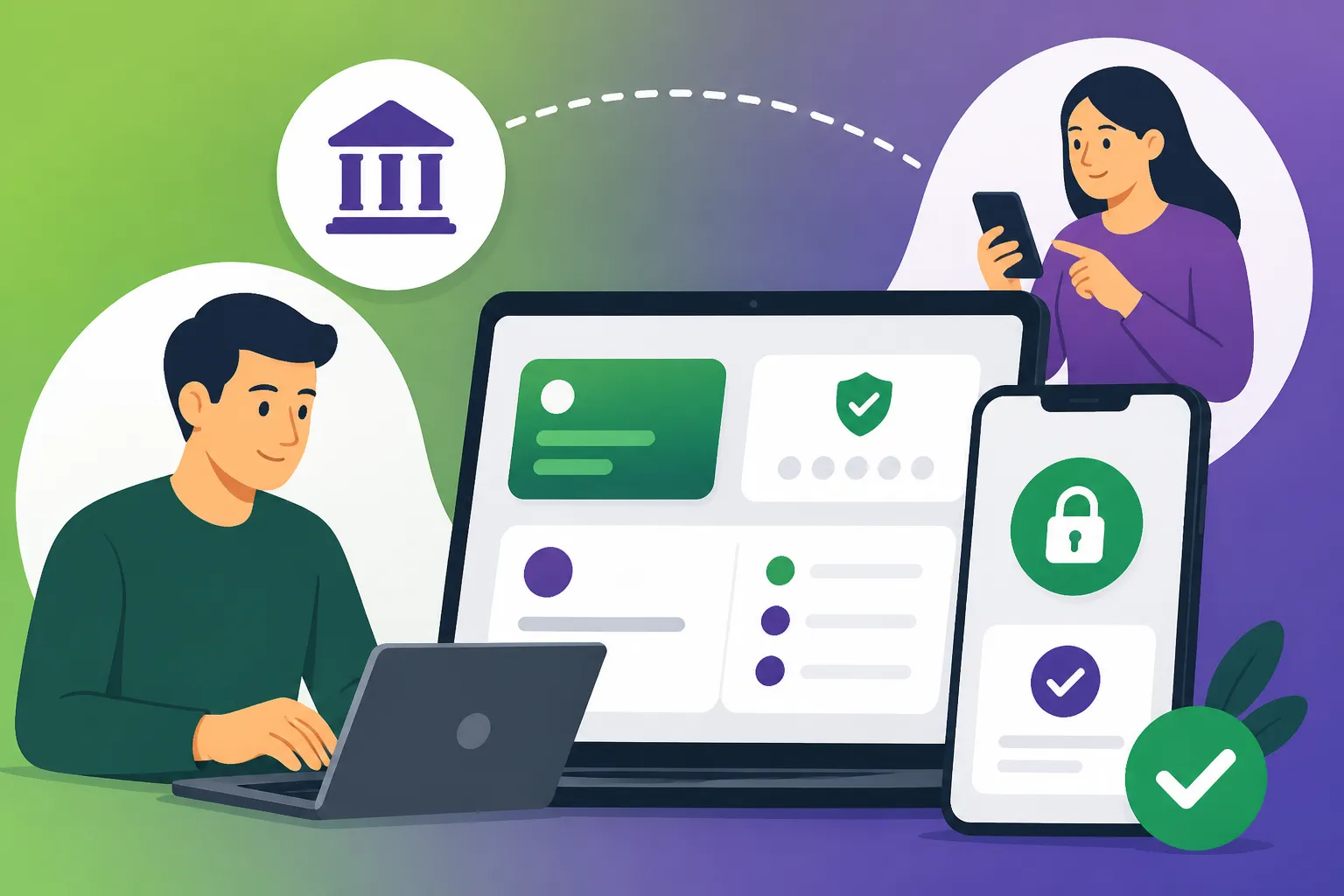
- Confirm on Smart-ID App: A notification will pop up on your Smart-ID app on your phone. It will show a verification code. Cross-reference this code with the one displayed on your computer screen. If they match, enter your Smart-ID PIN1 (a 4-digit code you set up during Smart-ID registration) into your phone.
- Access Your Account: Once confirmed, your browser will redirect you to your SEB online banking portal. Congratulations, you're in!
From here, you’ll find all your account information, transaction history, and options for making payments. It might look a bit different from what you're used to, but most functions are logically placed. You'll definitely want to spend some time exploring to familiarize yourself.
Key Features and Common Tasks
SEB's online banking offers a comprehensive suite of features to manage your finances. Here are some of the most common tasks you'll perform:
- Making Local Payments: To pay your rent, utilities, or transfer money to a friend's Lithuanian bank account, navigate to the "Payments" section. You'll need the recipient's name, their Lithuanian IBAN (International Bank Account Number), and the payment amount and purpose. You can usually save frequent payees for quick future transfers.
- International Transfers: If you need to send money abroad, SEB offers international transfer services. Be aware that these can sometimes incur higher fees and less favourable exchange rates than dedicated money transfer services. For regular international transfers, especially for larger sums or when sending money home, it is often wise to explore alternatives like Wise. They tend to offer competitive rates and transparent fees, which can be a significant advantage when you're managing cross-border finances. Keeping an eye on these costs is important, especially when considering things like your The Complete Guide to Taxes in Lithuania for Expats (2027) if you have foreign income.
- Checking Statements and Account Activity: Under your account overview, you can view your transaction history, download statements (which are often needed for administrative purposes like applying for a loan or a new residence permit), and monitor your spending.
- Managing Cards: You can block/unblock your debit or credit cards, change spending limits, and order new cards directly from the online portal.
- E-Bills (E-sąskaitos): Many Lithuanian service providers (utility companies, mobile operators) offer the option to receive and pay bills directly through your online banking. This simplifies bill management significantly, as the payment details are pre-filled.
SEB Mobile App: Don't forget to download the SEB mobile app from your phone's app store (Google Play or Apple App Store). It mirrors most of the online banking functionalities in a convenient, mobile-friendly format. You'll use Smart-ID to log in here as well, making it incredibly easy to manage your money on the go.
Navigating Luminor Online Banking: A Guide for Expats
Luminor is another major player in the Lithuanian banking sector, formed from the merger of Nordea and DNB's Baltic operations. It offers a modern and accessible online banking platform, catering well to an international clientele. The process for setting up and using Luminor online banking is quite similar to SEB, with Smart-ID once again taking centre stage.
Your First Steps with Luminor Online Access
Just like with SEB, your journey to Luminor online banking begins with having an active bank account and a correctly configured Smart-ID. If you opened your account in person, the bank staff should have assisted you with the initial setup of your digital identity.
- Visit the Luminor Website: Head to the official Luminor Lithuania website. Look for the "Login" or "E-bankas" option, usually in the top navigation bar.
- Select Your Login Method: You'll be given choices, with Smart-ID being the recommended and most common method for personal banking. Click on the Smart-ID option.
- Enter Your User ID (Personal Code): Input your Asmens Kodas (personal code) into the designated field.
- Authenticate with Smart-ID: Open your Smart-ID app on your smartphone. You'll see a verification code. Compare it to the one on your computer screen. If they match, enter your Smart-ID PIN1 on your phone to confirm the login.
- Enter the Portal: You will now be logged into your Luminor online banking dashboard, ready to manage your funds.
The Luminor interface is generally quite intuitive, often praised for its clean design. Spend some time clicking through the different sections to get acquainted with where everything is.
Everyday Banking and Specific Luminor Offerings
Luminor's online platform is designed to handle all your daily financial needs and beyond.
- Performing Payments and Transfers: The "Payments" section is where you’ll initiate local transfers. Similar to other banks, you'll need the recipient's IBAN, name, and the amount. Luminor also allows for recurring payments, which is fantastic for things like monthly rent or subscriptions. This feature can simplify your financial planning, especially when you're also keeping track of your contributions to Understanding Sodra Social Insurance in Lithuania: The Full Guide.
- Sending Money Internationally: Luminor facilitates international bank transfers. However, if frequent international money transfers are a part of your financial life – perhaps you're sending funds back home or paying for services abroad – you might find that services like Wise offer more advantageous exchange rates and lower fees compared to traditional banks. This is a common strategy for expats looking to optimize their cross-border transactions and potentially reduce their overall banking costs.
- Account Overviews and Documentation: All your current and savings accounts will be displayed. You can view detailed transaction histories, filter by date or type, and download account statements crucial for official requirements or for compiling data for Filing Your Annual Tax Return in Lithuania: The Complete Walkthrough (2027).
- Card Management: Like SEB, Luminor allows you to manage your payment cards online. This includes activating new cards, blocking lost or stolen ones, and adjusting daily limits for security.
- Virtual Assistant and Support: Luminor often has integrated virtual assistants or easily accessible customer support channels within its online banking portal, which can be very helpful if you run into any issues or have questions.
Luminor Mobile App: The Luminor mobile app is an excellent companion to the web-based online banking. It offers a streamlined experience for quick checks and payments, all secured with your Smart-ID. I highly recommend downloading it as it adds a layer of convenience that makes daily financial management much easier.
Beyond the Basics: Making the Most of Your Lithuanian Online Bank
Once you're comfortable with the core functions of SEB or Luminor online banking, there are several ways to really leverage these platforms to make your financial life in Lithuania as smooth as possible.
Security Best Practices and Language Options
Security is paramount in online banking. Always use strong, unique PINs for your Smart-ID. Never share your authentication details with anyone. Be wary of phishing attempts – banks will never ask for your PINs or full account details via email or unsolicited calls. Always check that you are on the official bank website before entering any credentials. Both SEB and Luminor have excellent security features, but personal vigilance is your first line of defence.
Most major banks in Lithuania, including SEB and Luminor, offer their online banking services in English, alongside Lithuanian and sometimes Russian. You can usually find a language selection option on the login page or within your profile settings once you're logged in. Switching to English will make navigating the interface significantly easier and reduce the chances of making a mistake.
Automating Payments and Financial Planning
One of the greatest benefits of online banking is the ability to automate your regular payments. Set up standing orders for your rent, and recurring payments for your utility bills (electricity, gas, water, internet). This ensures you never miss a deadline and frees up mental space. You can often connect your bank account to e-bill services offered by companies like ESO (electricity) or Telia (internet/mobile) to have your bills delivered directly to your online banking portal, making payment a simple click away. This integrated approach can be a real time-saver.
It's also a good idea to regularly review your statements and set budgets. Both SEB and Luminor offer categorization tools or at least clear transaction histories that can help you track where your money is going. This becomes even more critical when you're managing various income streams or need to keep precise records for your Understanding Income Tax (GPM) in Lithuania: The Full Expat Guide.
Managing Your Finances with External Tools
While your bank's online platform is central, consider how it integrates with other financial tools you might use. For international transfers, as mentioned, services like Wise are often more cost-effective and faster than traditional bank transfers, particularly for non-EUR transactions. You can easily initiate transfers from your SEB or Luminor account to your Wise account, or send funds directly to international recipients via Wise from your Lithuanian bank.
For tracking expenses and budgeting, there are numerous personal finance apps that can link to your bank accounts (though always check for privacy and security). Using these can give you a more holistic view of your financial health, supplementing the information available directly from your bank.
| Feature / Bank | SEB Online Banking | Luminor Online Banking |
|---|---|---|
| Primary Auth. | Smart-ID, Mobile ID, Code Card | Smart-ID, Mobile ID, Code Calculator |
| Language Options | LT, EN, RU | LT, EN, RU |
| Mobile App | Yes (iOS, Android) with full functionality | Yes (iOS, Android) with comprehensive features |
| International Xfer | Standard bank transfers, Swift | Standard bank transfers, Swift |
| E-Bills Integration | Strong, direct payment of linked bills | Strong, often with bill delivery options |
| Customer Support | In-app chat, phone, branch, secure message | In-app chat, phone, branch, virtual assistant |
| User Interface | Functional, feature-rich | Modern, clean, intuitive |
Getting your online banking set up with SEB or Luminor is a significant step towards feeling truly settled in Lithuania. It simplifies your daily life, empowers you to manage your finances efficiently, and connects you seamlessly to the country's digital infrastructure. Take your time, ask questions at the bank if you're unsure, and don't hesitate to explore all the features these platforms offer.
Disclaimer
The information provided in this guide is for general informational purposes only and does not constitute financial, legal, or professional advice. While we strive to keep the information up-to-date and accurate, banking procedures and regulations in Lithuania can change. Always consult the official websites of SEB, Luminor, or the relevant Lithuanian authorities, or seek professional advice for specific situations.